 Trainary
Download
Import a workout programme from a photo.
Already have programmes on paper, in a notebook or in a PDF? Take a photo. Trainary pulls out the exercises, sets and reps, matches every movement against your exercise library, and turns it into a plan you can edit and assign.
Three steps, one minute.
Snap or pick a photo
Use the camera or choose a picture from your gallery — a handwritten page, a printed sheet or a screenshot of a programme.
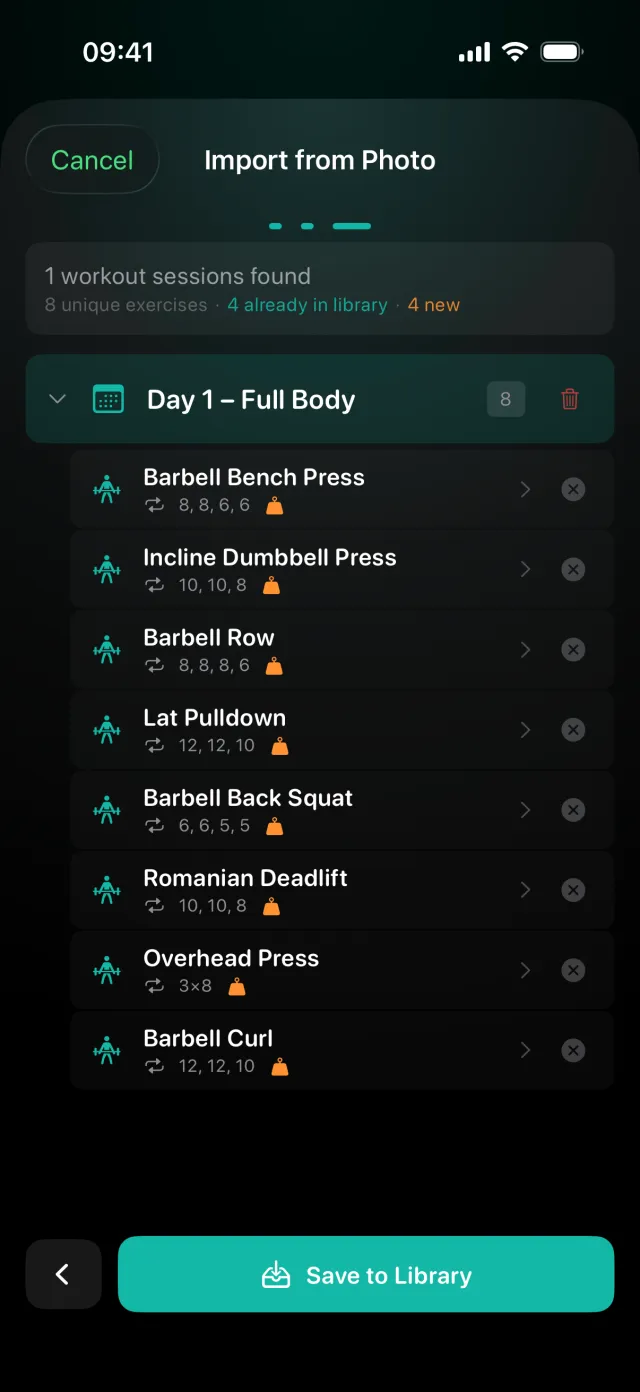
Review the exercises
Each movement is matched to your library. See what matches an exercise you already have and what will be added, and remap anything with a tap.
Save, then assign
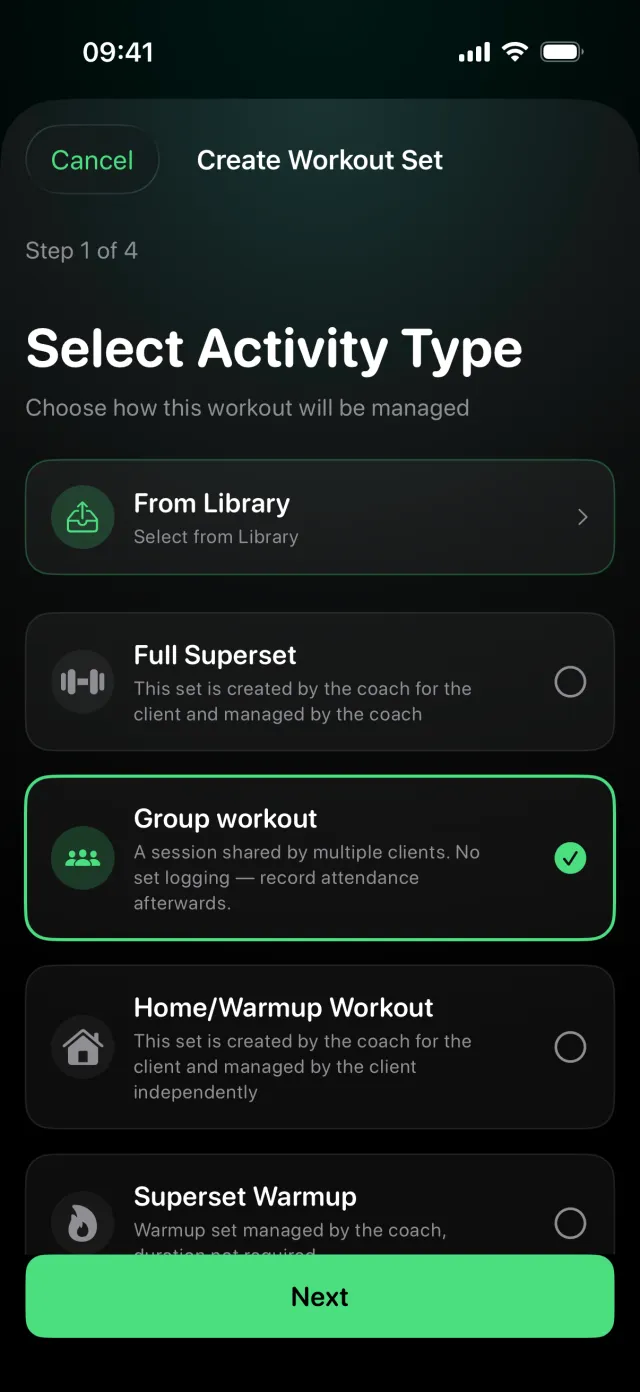
Every session in the programme is saved to your library with its sets and reps. Pick it in the workout wizard, adjust it, schedule it and assign it to a client.
What it can read
- Handwritten programmes — notebook pages and whiteboards, as long as the names are legible.
- Printed programmes — sheets, PDFs and screenshots of plans from other apps.
- Spreadsheets — Excel (.xlsx) and CSV files, with the same review step.
No duplicate exercises
Importing a programme should not leave you with three versions of the same lift. Before anything is saved, Trainary shows a review of every exercise: the ones matched to your library and the ones that will be added. You decide, so your library stays clean and your progression charts stay connected.
Log a workout that already happened
Ran a session on paper? Log it for the client from a photo of your notes, a spreadsheet or a PDF. The results go into the client's history, so their progression charts, tonnage and records stay complete.
Price
Your first photo import is free. Unlimited imports, together with progressive plans, AI session summaries and PDF reports, are part of Coach Pro. Your clients never pay.
Questions
Does it read handwriting?
Yes. Handwritten and printed programmes both work, as long as the photo is sharp and the exercise names are legible. You review everything before it is saved, so you can fix anything it misread.
Will it create duplicate exercises in my library?
No. Every movement is matched against your exercise library first. A review step shows which exercises match ones you already have and which will be added, and you can map any of them to a different library exercise.
Can I import from Excel or CSV instead?
Yes. Trainary imports workout programmes from Excel (.xlsx) and CSV files, with the same review step.
Can I log a workout that has already happened?
Yes. A coach can log a completed workout for a client from a photo of their notes, a spreadsheet or a PDF, so the results land in the client's history and progression charts.
Is it free?
Your first photo import is free. Unlimited imports are part of Coach Pro.